 AutoPause
AutoPause › Guide
How to stop YouTube's "Video paused. Continue watching?"
Why does YouTube ask "Continue watching?"
When a video, playlist or live stream has been playing for a while with no interaction on the page (no clicks, key presses or scrolling), YouTube pauses playback and asks whether you're still there. The idea is to stop streaming to someone who has walked away. That's reasonable, but it's frustrating when you're listening to a long playlist, a podcast, a lecture or a study stream on purpose.
YouTube Music does the same thing with "Still listening?".
Fix 1 (recommended): skip it automatically with AutoPause
- Open AutoPause for YouTube in the Chrome Web Store and click Add to Chrome.
- Click the AutoPause icon in your toolbar and make sure NonStop Playback is on (it is by default).
- Optionally turn on Prevent the prompt before it appears. AutoPause then keeps YouTube's idle timer fresh, so the prompt usually never shows.
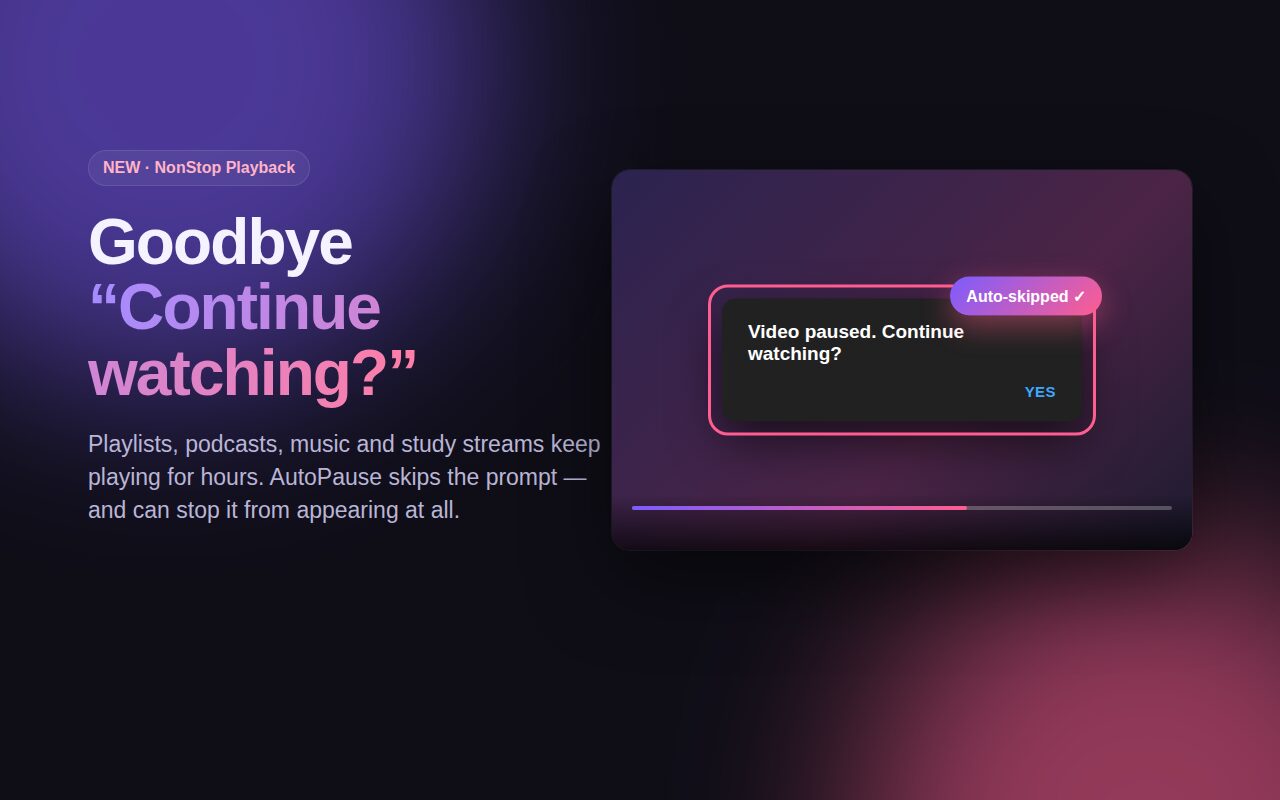
- Play anything. If the prompt appears, AutoPause clicks "Yes" for you and playback continues. You'll see a small "Continue watching? skipped" note.
It works whatever language your YouTube is set to, and it never un-pauses a video you paused yourself. As a bonus, Tab Auto-Pause pauses the video when you switch tabs and resumes it when you come back. You can turn that off if you only want the prompt blocker.
Fix 2: interact with the page now and then
Because the prompt is triggered by inactivity, any interaction on the YouTube tab resets the timer: moving the mouse over the page, pressing a key, or scrolling. That works if you're at your computer, but not when you're listening from across the room, which is exactly when the prompt shows up.
Fix 3: click "Yes" when it appears
The manual option: when playback stops, click Yes on the dialog. Fine for occasional viewing, but it interrupts long sessions and background listening.
Which fix should you use?
| Method | Hands-free | Works in the background | Effort |
|---|---|---|---|
| AutoPause extension | Yes | Yes | One-time install |
| Interact with the page | No | No | Ongoing |
| Click "Yes" manually | No | No | Every time |
FAQ
Can I turn off "Continue watching?" in YouTube settings?
No. There's no setting for it. An extension is the only automatic option.
Is it safe?
AutoPause runs only on youtube.com and music.youtube.com, its only other permission is storage, and it collects no data. See the privacy policy.
Is AutoPause a YouTube NonStop alternative?
Yes. It includes NonStop-style auto-continue, plus pause-on-tab-switch in the same extension.